
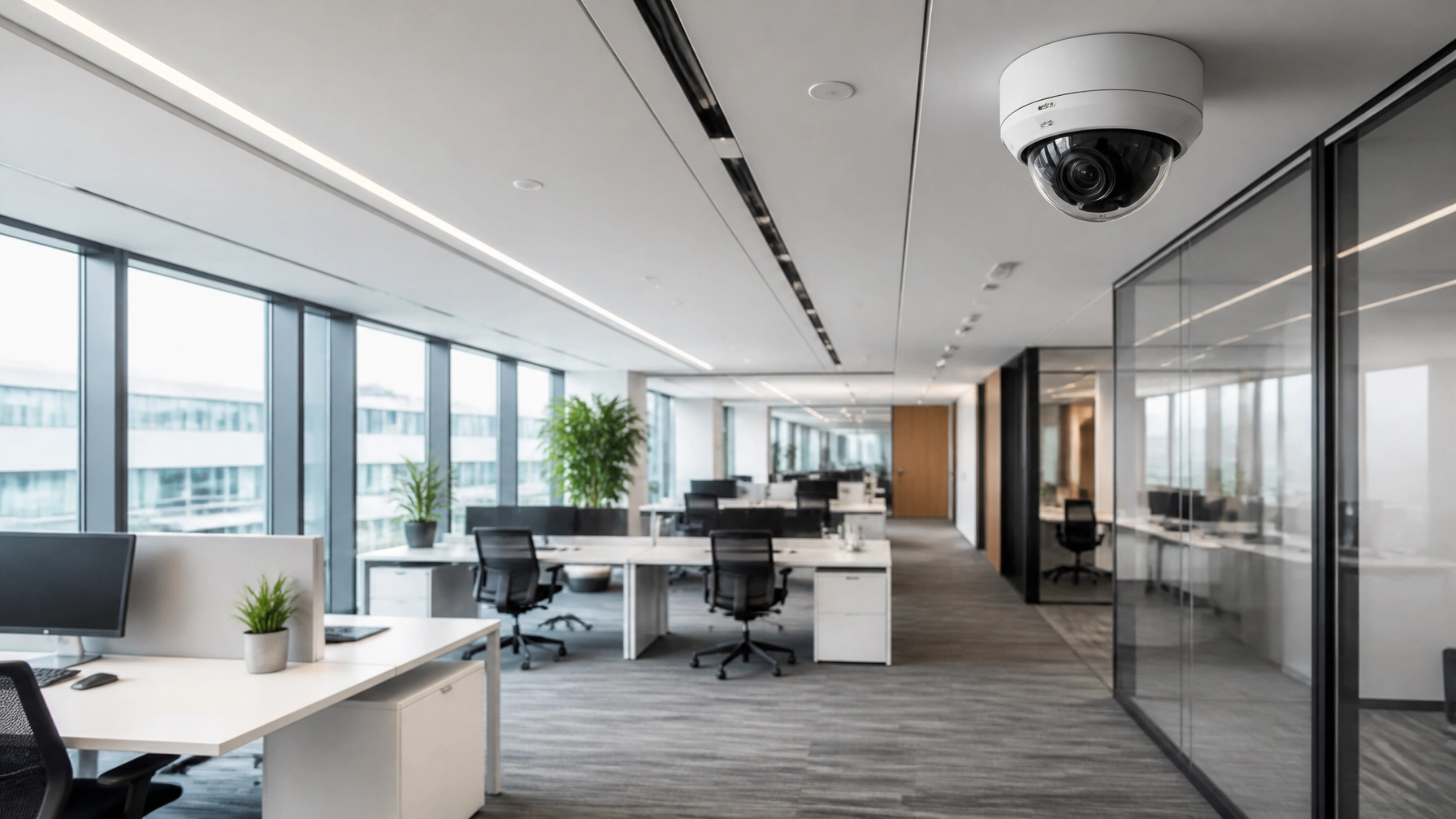
5 Steps How to Set Up CCTV Cameras and Secure Your Office (Easy Guide for Business Owners)

Securing a physical workspace is a critical priority for any growing enterprise. Beyond protecting high-value equipment and intellectual property, a robust surveillance system ensures employee safety and provides indispensable operational oversight. For many business owners, the technical requirements of surveillance can seem daunting. However, when you follow a structured methodology to Set Up CCTV Cameras, you transform a complex IT project into a manageable strategic asset.
At Voihost, we specialize in providing comprehensive IT infrastructure and security solutions that empower businesses to focus on growth while we handle the foundation. This guide outlines the essential steps to Set Up CCTV Cameras and create a secure environment for your team and assets.
Step 1: Conduct a Comprehensive Site Survey and Security Audit
Before purchasing hardware or running cables, you must understand the unique layout and vulnerabilities of your office. A haphazard approach leads to blind spots and wasted resources. To effectively Set Up CCTV Cameras, you must first map your requirements.

Identify High-Risk Zones
Every office has specific areas that require closer monitoring. During your audit, prioritize the following:
- Primary Entrances and Exits: Capture clear facial images of every person entering or leaving the building.
- Reception and Foyer Areas: Monitor visitor flow and interactions at the first point of contact.
- Server Rooms and IT Closets: Protect the "brain" of your company from unauthorized physical access.
- Point of Sale (POS) and Cash Handling: Ensure transparency in financial transactions.
- Storage Rooms and Loading Docks: Deter inventory shrinkage and monitor deliveries.
Evaluate Lighting and Environmental Factors
The effectiveness of your decision to Set Up CCTV Cameras depends heavily on environmental conditions. Assess the lighting in each zone. Does an area become pitch black at night? Is there significant backlight from a large window during the day? These factors dictate whether you need cameras with Wide Dynamic Range (WDR) or advanced infrared (IR) night vision capabilities.
Step 2: Choose High-Performance Surveillance Hardware
Selecting the right equipment is a long-term investment in your company’s security. While consumer-grade systems are available, professional-grade hardware offers the reliability and "future-proofing" required for B2B applications.
IP Cameras vs. Analog Systems
To Set Up CCTV Cameras that meet modern business standards, IP (Internet Protocol) cameras are the industry standard. Unlike legacy analog systems, IP cameras offer:
- Superior Resolution: High-definition video (4MP to 8MP/4K) for identifying fine details like faces or license plates.
- Scalability: Easier to add new cameras to the network without extensive rewiring.
- Power over Ethernet (PoE): Allows a single cable to provide both data and power, simplifying the installation process.
Selecting the Network Video Recorder (NVR)
The NVR is the central hub of your surveillance system. It manages the video streams, handles recording, and provides the interface for viewing footage. When you Set Up CCTV Cameras, ensure your NVR has:
- Sufficient Channel Capacity: Choose an NVR with more ports than you currently need to allow for future expansion.
- Surveillance-Grade Hard Drives: Standard PC hard drives are not designed for the 24/7 write-cycles of security video.
- Advanced Compression (H.265): Reduces storage requirements and bandwidth usage without sacrificing image quality.
Step 3: Implement Professional Infrastructure and Structured Cabling
The physical installation of your system is where many DIY projects fail. A professional-grade surveillance network relies on a stable, high-speed backbone. This is why we emphasize the importance of structured cabling services when you Set Up CCTV Cameras.

Precision Mounting and Positioning
Proper mounting height (typically 8–12 feet) balances the need for detail with the requirement to keep cameras out of reach of vandals. During this phase of the process to Set Up CCTV Cameras, installers must use appropriate anchors for different wall types and ensure all cables are concealed or protected by conduit to prevent tampering.
The Role of Managed Networking
Surveillance cameras can consume significant bandwidth. To avoid slowing down your office Wi-Fi or internal communications, it is often best to segment your security traffic onto a separate VLAN (Virtual Local Area Network). Understanding the basics of networking setup is vital for maintaining a high-performance office environment.
Step 4: Configure the Network and Secure Video Management
Once the hardware is mounted, the focus shifts to the digital configuration. This step is crucial for ensuring that only authorized personnel can access your sensitive security data.

Cybersecurity and Hardening the System
A poorly secured surveillance system is a liability. To properly Set Up CCTV Cameras, follow these cybersecurity best practices:
- Change Default Credentials: Never leave a camera or NVR with the manufacturer's default "admin" password.
- Enable Encryption: Use encrypted protocols for video transmission across the network.
- Disable Unused Ports: Close any network ports that are not strictly necessary for system operation.
- Regular Firmware Updates: Keep your system updated to protect against newly discovered vulnerabilities.
Storage and Retention Policies
Determine how long you need to keep footage. Most businesses require a 30-day retention period. You can optimize storage when you Set Up CCTV Cameras by configuring "Motion-Based Recording" for low-traffic areas, while keeping "Continuous Recording" for high-priority entrances.
Step 5: Establish Operational Protocols and Remote Monitoring
The final step in your journey to Set Up CCTV Cameras is integrating the system into your daily business operations. A security system is only effective if it is used correctly by your staff.

Remote Access and Mobile Integration
Modern business owners are rarely tied to a single desk. Professional surveillance systems offer secure mobile apps that allow you to view live feeds, receive push notifications for motion alerts, and review recorded clips from anywhere in the world. This "peace of mind" is a primary reason why entrepreneurs choose to Set Up CCTV Cameras.
Maintenance and Health Checks
Physical security is not a "set it and forget it" solution. To ensure your investment continues to protect your office, implement a quarterly maintenance schedule:
- Lens Cleaning: Dust and spider webs can significantly degrade image quality.
- Storage Verification: Regularly check that your hard drives are healthy and recording as expected.
- Angle Adjustments: Ensure that changes in office furniture or layout haven't created new blind spots.
Conclusion: Securing Your Business Future
Learning how to Set Up CCTV Cameras is a proactive step toward building a more resilient and professional business. By following these five steps: planning, hardware selection, infrastructure, configuration, and operational monitoring: you create a "seamless" security layer that protects your people and your bottom line.
At Voihost, we understand that you have a business to run. We offer end-to-end security solutions, including CCTV installation, access control, and managed IT services, designed to take the technical burden off your shoulders. We are your "trusted partner" in digital and physical transformation, providing a "99.9% uptime" philosophy to every service we offer.
Ready to secure your office with professional surveillance?
Contact the Voihost Team today for a personalized security audit and a tailored infrastructure plan that scales with your growth.
Best regards,
The Voihost Security Team
